
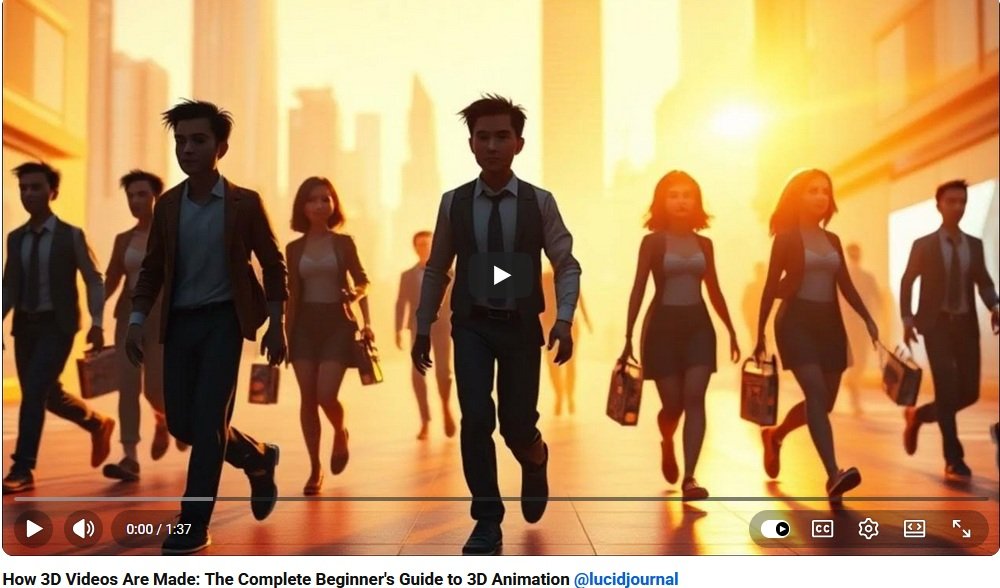
Creating a stunning 3D animated video may seem complicated at first, but every professional animation begins with the same basic steps: an idea, a plan, digital models, movement, lighting, rendering, and editing. Once you understand the process, 3D animation becomes much easier to approach.
For beginners, the most important thing is not to create a perfect movie right away. The goal is to learn how each part of the 3D animation workflow fits together. Whether you want to make short films, YouTube animations, product videos, game cinematics, educational videos, or social media content, this guide will help you understand how to create 3D animated videos from scratch.
What Is a 3D Animated Video?
A 3D animated video is a video made with digital three-dimensional objects, characters, environments, cameras, lights, and motion. Instead of filming real objects with a camera, artists build and animate scenes inside 3D software.
3D animation can be realistic, cartoon-style, futuristic, fantasy-based, educational, or abstract. The style depends on your project goals, audience, and artistic direction.
Step 1: Begin with a Strong Idea
Every 3D animated video starts with a clear idea. Before opening animation software, decide what your video is about and what viewers should understand or feel when they watch it.
Ask yourself these questions:
- What story am I telling?
- Who is the audience?
- What is the main message?
- Will the video be educational, entertaining, promotional, or artistic?
- How long should the video be?
- What visual style fits the project?
A simple idea is often better for beginners. A 15-second animation with one character or object can teach more than an overly complex project that becomes difficult to finish.
Step 2: Write a Simple Script
A script gives your animation structure. Even if your video has no dialogue, a written outline helps organize the scenes and actions.
Your script should include:
- Scene descriptions
- Character actions
- Dialogue or narration
- Camera direction
- Important visual moments
- Beginning, middle, and ending
For a beginner project, keep the script short and focused. A clear 30-second animation is better than a long unfinished video.
Step 3: Create a Storyboard
A storyboard is a series of simple drawings that show how your video will unfold. It does not need to be professionally illustrated. Stick figures and rough sketches are enough.
Storyboards help you plan:
- Camera angles
- Scene transitions
- Character movement
- Important actions
- Timing and pacing
- Visual storytelling
For students at 3DArtSchool.org, storyboarding is one of the best ways to connect artistic planning with technical production.
Step 4: Choose Your 3D Animation Software
To create 3D animated videos, you need software that allows you to model, animate, light, render, and export scenes.
Popular options include:
- Blender: Free, powerful, and excellent for beginners.
- Autodesk Maya: Widely used in film, animation, and game studios.
- Cinema 4D: Popular for motion graphics and commercial animation.
- Unreal Engine: Great for real-time cinematic animation and virtual production.
- Unity: Useful for interactive 3D and game-related animation.
Many beginners start with Blender because it includes modeling, animation, sculpting, rendering, and video tools in one free program.
Step 5: Build or Import 3D Models
3D models are the objects and characters that appear in your animation. You can create them yourself, download free assets, purchase professional models, or use a combination of all three.
Common beginner models include:
- Simple characters
- Vehicles
- Furniture
- Buildings
- Product models
- Props
- Landscape elements
If you are new to 3D animation, begin with simple shapes. A bouncing ball, moving robot, spinning product, or flying logo can teach important animation principles without overwhelming you.
Step 6: Add Materials and Textures
Materials and textures make 3D models look believable and visually interesting. A model without materials may look plain, but textures can make it appear like wood, metal, glass, fabric, stone, plastic, or skin.
Important surface details include:
- Color
- Roughness
- Shininess
- Transparency
- Bump texture
- Pattern
- Reflection
Good textures help make your animated video feel more polished and professional.
Step 7: Rig Characters for Movement
If your video includes a character, creature, or robot, it may need a rig. Rigging creates a digital skeleton that allows the model to move.
A rig can control:
- Arms and legs
- Hands and fingers
- Head movement
- Facial expressions
- Eye direction
- Body posture
Beginners can use pre-rigged characters while learning the basics of animation. This allows you to practice movement before building complex rigs from scratch.
Step 8: Animate with Keyframes
Keyframes are the foundation of most 3D animation. A keyframe records the position, rotation, scale, or expression of an object at a specific moment in time.
For example, to animate a ball moving across the screen, you place one keyframe at the starting position and another keyframe at the ending position. The software calculates the movement between them.
Keyframes can animate:
- Objects
- Characters
- Cameras
- Lights
- Text
- Special effects
Strong animation depends on timing, spacing, rhythm, and believable motion.
Step 9: Use Camera Movement
The camera controls what viewers see. In 3D animation, the camera can move anywhere in the digital scene.
Common camera movements include:
- Zooming in
- Panning sideways
- Tilting up or down
- Orbiting around an object
- Following a character
- Revealing a scene slowly
Good camera movement can make a simple animation feel cinematic and professional.
Step 10: Add Lighting for Mood and Realism
Lighting is one of the most powerful tools in 3D video creation. It affects mood, depth, realism, and visual focus.
Lighting can make a scene feel:
- Warm and inviting
- Dark and dramatic
- Bright and cheerful
- Futuristic
- Mysterious
- Natural and realistic
A basic lighting setup may include a main light, fill light, and background light. As you improve, you can experiment with cinematic lighting, colored lights, shadows, and reflections.
Step 11: Render the Animation
Rendering converts your 3D scene into finished video frames. During rendering, the computer calculates lights, shadows, textures, reflections, camera effects, and motion.
Rendering can take time, especially for complex scenes. Beginners can speed up rendering by using lower preview settings while working and higher settings only for the final export.
Step 12: Edit the Final Video
After rendering, the animation is usually edited in video editing software. Editing helps turn individual scenes into a polished final video.
During editing, you can add:
- Music
- Sound effects
- Voice-over narration
- Titles
- Transitions
- Color correction
- Final timing adjustments
Sound is especially important. Even simple animation feels more professional when it includes good audio.
Beginner 3D Animation Project Ideas
If you are just starting, try small projects that teach one skill at a time.
- A bouncing ball animation
- A spinning product video
- A walking robot
- A flying logo intro
- A simple character waving
- A camera moving through a room
- A short educational animation
- A fantasy object glowing
Each small project builds confidence and prepares you for larger animations.
Common Mistakes to Avoid
Beginners often make the same mistakes when learning 3D animation.
- Choosing projects that are too complicated
- Skipping storyboarding
- Using too many models at once
- Ignoring lighting
- Overusing camera movement
- Rendering before testing the animation
- Forgetting sound design
- Trying to master every tool immediately
Start simple, finish projects, and improve one skill at a time.
How Long Does It Take to Create a 3D Animated Video?
The time needed depends on complexity. A beginner may create a simple 10-second animation in a few hours or days. A polished character animation may take weeks. Professional animated films require large teams and long production schedules.
For learning purposes, short projects are best. Completing small animations teaches the full workflow without becoming overwhelming.
How 3D Animation Skills Can Lead to Careers
Learning how to create 3D animated videos can open doors to creative careers such as:
- 3D animator
- Motion graphics artist
- Game cinematic artist
- Character animator
- Visual effects artist
- Product visualization designer
- Architectural visualization artist
- Social media video creator
- Educational content producer
These skills are valuable in entertainment, advertising, education, gaming, architecture, product design, and online media.
Final Thoughts
Creating stunning 3D animated videos from scratch is a step-by-step process. Begin with a clear idea, write a simple script, create a storyboard, build or import models, add textures, animate with keyframes, light the scene, render the animation, and edit the final video.
You do not need to master everything at once. Start with small projects and practice consistently. Every finished animation teaches you something new about storytelling, movement, design, lighting, and visual communication.
With patience and creativity, 3D animation can become a powerful skill for artistic expression, professional work, and digital storytelling.
3D Video Creation Related Articles